
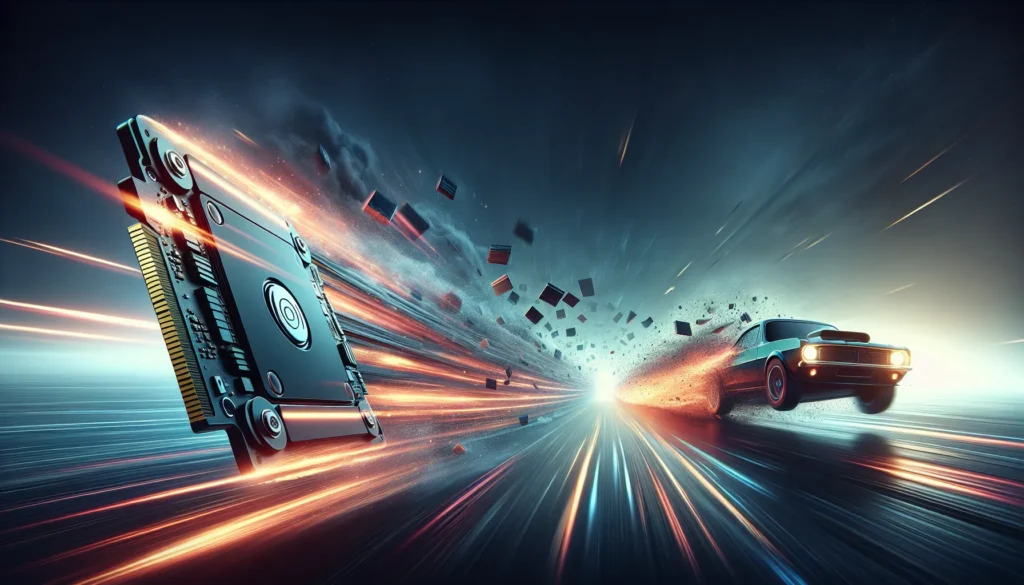
If you’ve ever wondered why one file copies in seconds and another takes so long you consider making a coffee—your storage device is the reason.
Two main players control your speed destiny:
👉 HDD (Hard Disk Drive) – the old spinning disk veteran
👉 SSD (Solid State Drive) – the fast, modern speed machine
Both can store your data, but they definitely don’t move it the same way.
Let’s break it down — quickly… unlike an HDD.
🧩 What Is an HDD?
An HDD is the classic hard drive — yes, the one with an actual spinning metal disk inside.
Imagine a tiny vinyl record spinning at thousands of RPM, and a mechanical arm reading and writing data.
It’s surprisingly cool… and surprisingly slow.
Key traits of HDDs
- Uses moving parts
- Slower read/write speeds
- Larger storage for a cheaper price
- More fragile
- More likely to fail over time
If you’ve heard clicking sounds from your computer, that’s an HDD begging for retirement.
⚡ What Is an SSD?
An SSD is basically a giant USB flash drive on steroids.
There are no moving parts, which is the secret to its speed.
Data is stored electronically in flash memory, making SSDs instant, efficient, and super responsive.
Key traits of SSDs
- Lightning-fast read/write speeds
- Durable and shock-resistant
- Better performance overall
- More expensive per GB
- Ideal for creators and professionals
If you want fast boot times, quick apps, and speedy transfers, SSD is the winner.
🚀 Speed Comparison: How They Affect File Transfer
This is where things get real.
HDD Speed
HDDs typically transfer files at a moderate pace. They’re fine for documents, but once you start moving large videos, RAW photos, or project folders… they struggle.
You’ll notice:
- Slow transfer bars
- Longer wait times
- Occasional system lag
SSD Speed
SSDs can be insanely fast — depending on the model.
You’ll see:
- Instant file copying
- Smooth multitasking
- Faster uploads (because files load faster on your device too)
When you drag and drop a large file, the SSD just gets it done.
🏎️ Why SSDs Are So Much Faster
SSDs don’t waste time waiting for a disk to spin or a mechanical arm to move.
Everything happens electronically and instantly.
This results in:
- Faster access to files
- Faster file opening
- Faster transfers
- Faster EVERYTHING
HDDs, on the other hand, rely on old mechanical processes — and physics slows them down.
🔒 Reliability Matters Too
Speed is great, but what about safety?
HDD Reliability
HDDs are vulnerable to:
- Drops
- Shocks
- Mechanical wear
- Heat
After years of use, they simply slow down or fail.
SSD Reliability
SSDs are far more durable because:
- No moving parts
- Lower heat
- Resistant to shock
- Longer lifespan (for most users)
If you’re storing important projects, SSDs are the safer choice.
🌐 How This Affects Uploading Files Online
Here’s something most people don’t realize:
Your storage device speed affects how fast you upload files, even though uploading uses the internet.
Why?
Because before your file goes online, your computer needs to read it from your drive.
With HDD:
Your computer struggles to read large files quickly.
Uploads feel sluggish before they even hit the internet.
With SSD:
Fast read speeds mean your file is instantly ready to upload.
Combine an SSD with a service like FileSharer.io, and you’ll feel the speed difference immediately.
📦 Which One Should You Use for Large File Transfers?
Use an HDD if:
- You’re on a tight budget
- You need cheap storage for archives
- Speed isn’t critical
Use an SSD if:
- You move large files often
- You’re a content creator or professional
- You want faster upload performance
- You value reliability
If your work involves big videos, photography studios, client deliverables, or large compressed files, SSDs are a game-changer.
🥇 Final Verdict
For large file transfers, especially when uploading to tools like FileSharer.io, the winner is clear:
👉 SSD = Fast, reliable, future-proof
👉 HDD = Cheap, slow, mechanical
HDDs are great for backup storage, but SSDs are the true powerhouse when speed matters.
If you want smoother work, faster sharing, and less time staring at progress bars, upgrading to an SSD is one of the best investments you can make.